Researched by
Based on Avery product and help pages, retailer ratings, printer forums and an independent comparison, read on October 26, 2026; not a hands-on test by this site.
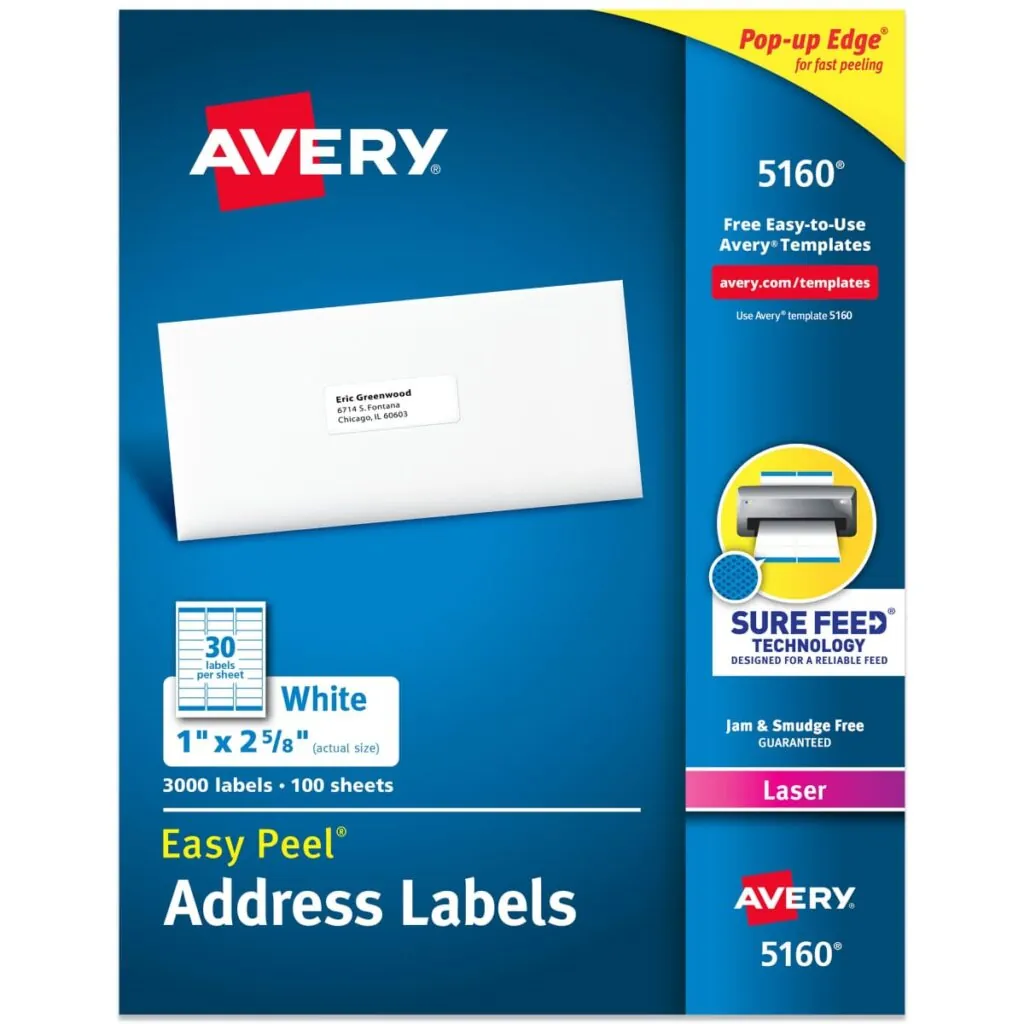
Avery 5160 labels are white 1 x 2-5/8 inch address labels, 30 to a sheet, sold in boxes of 3,000 for laser printers. The 8160 uses the same template for inkjet printers. This Avery 5160 labels review covers which one to buy, what buyers report and how to stop labels printing out of line.
Avery 5160 labels review score
Research score: 7.8 / 10
The 5160 averages 4.78 out of 5 from 3,734 Staples reviews, and its template is built into Word and Avery’s free Design & Print tool. It loses points because the sheet works in laser printers only, alignment complaints keep appearing on printer forums and no independent lab has tested its adhesive or jam rate.
Researched from public evidence, not hands-on testing. Store and service problems are rated separately as the store risk. How scores work
Avery 5160 vs 8160: match your printer
| 5160 | 8160 | |
|---|---|---|
| Printer | Laser only | Inkjet only |
| Size and layout | 1 x 2-5/8 in, 30 per sheet | Same |
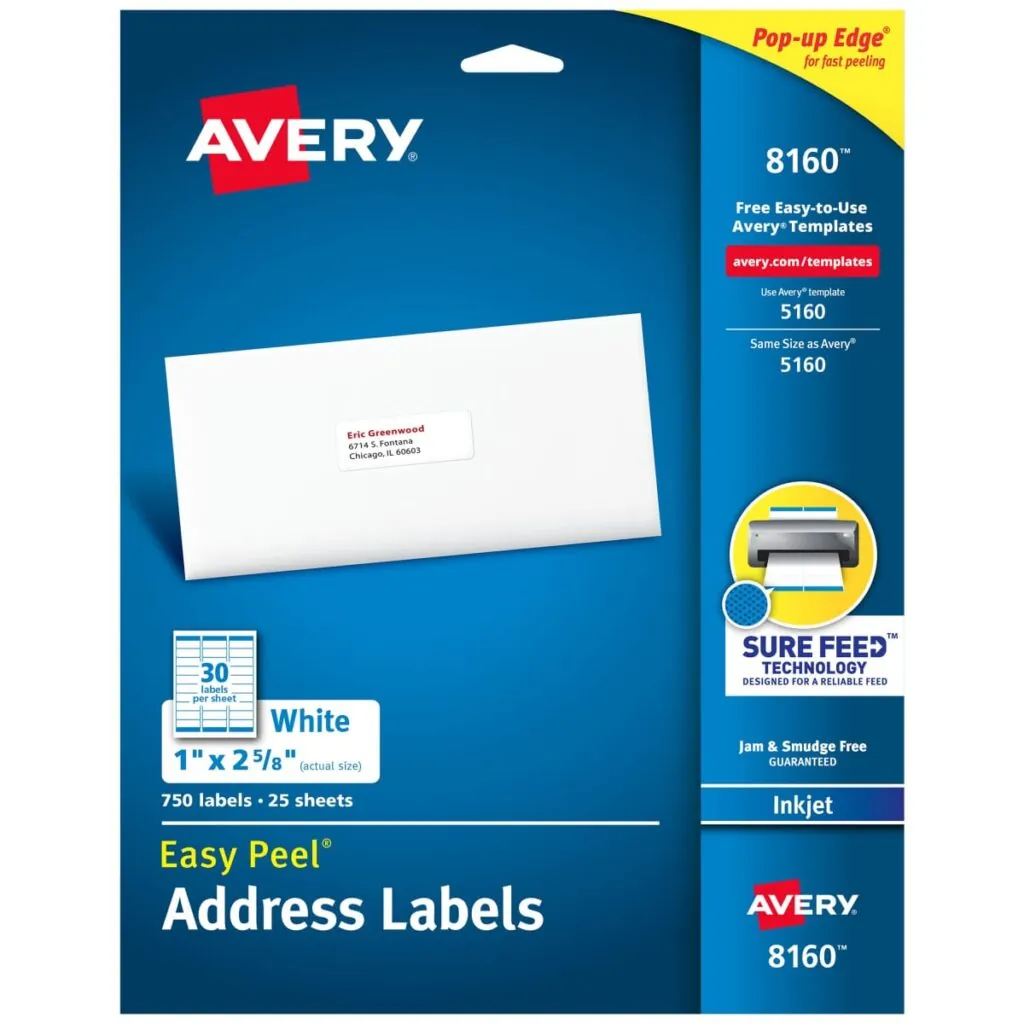
| Pack | 3,000 labels (100 sheets) | 750 labels (25 sheets) |
| Template | 5160 | Same template |
| Shared features | Sure Feed, Easy Peel, permanent adhesive | Same |
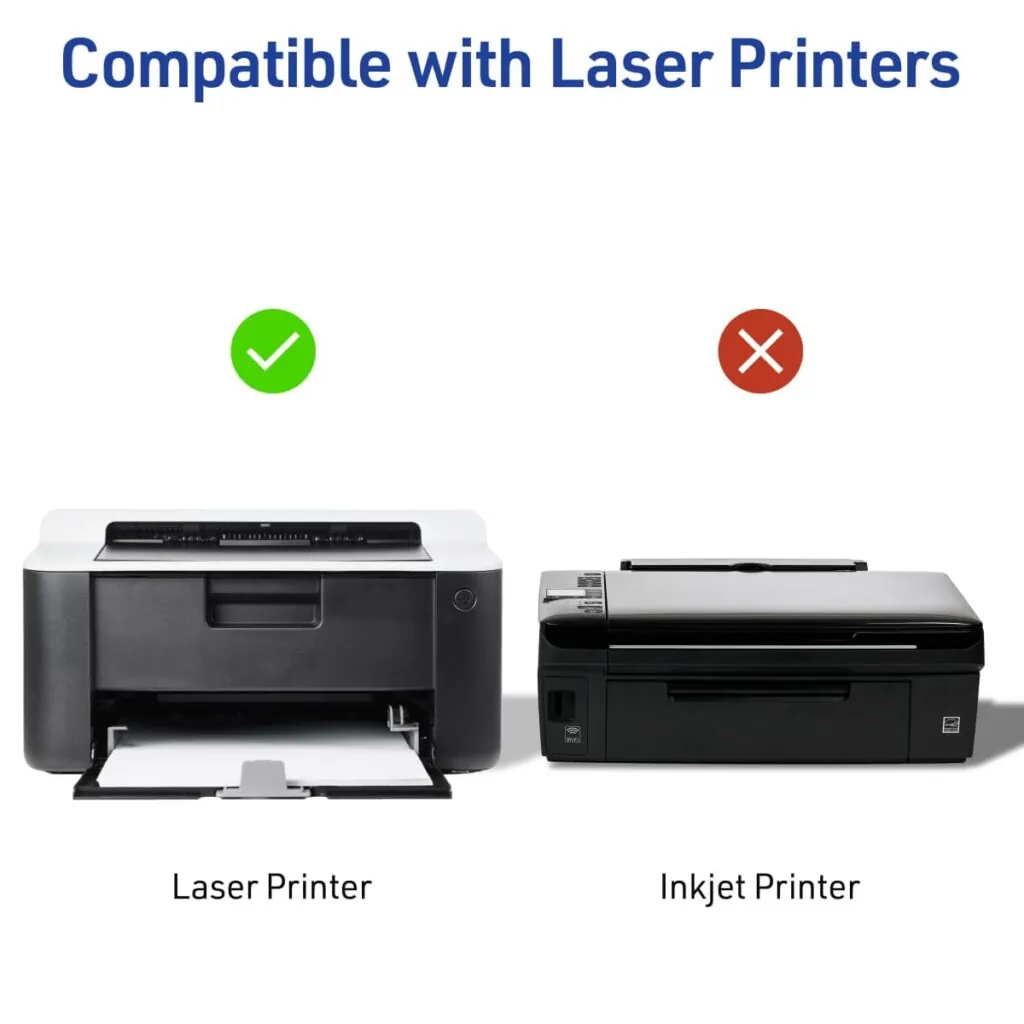
Avery’s help article is blunt: 5160 works only in laser printers and 8160 only in inkjets. Check your printer type before you order a 3,000-label box.
What buyers report
On Staples, the 5160 box averages 4.78 out of 5 from 3,734 reviews (read October 26, 2026). That is a large sample, though a star average says little about how a sheet behaves in your printer.
The recurring complaint is alignment. Threads on the Canon community and AnandTech forums describe text drifting down the page or printing too high. A software vendor’s guide traces many cases to PDF viewers that shrink the page to fit. That points to print settings more than the labels, but it is still the most likely way to waste a sheet.
Setting up a print run
- Pick template 5160 in Microsoft Word or Avery Design & Print.
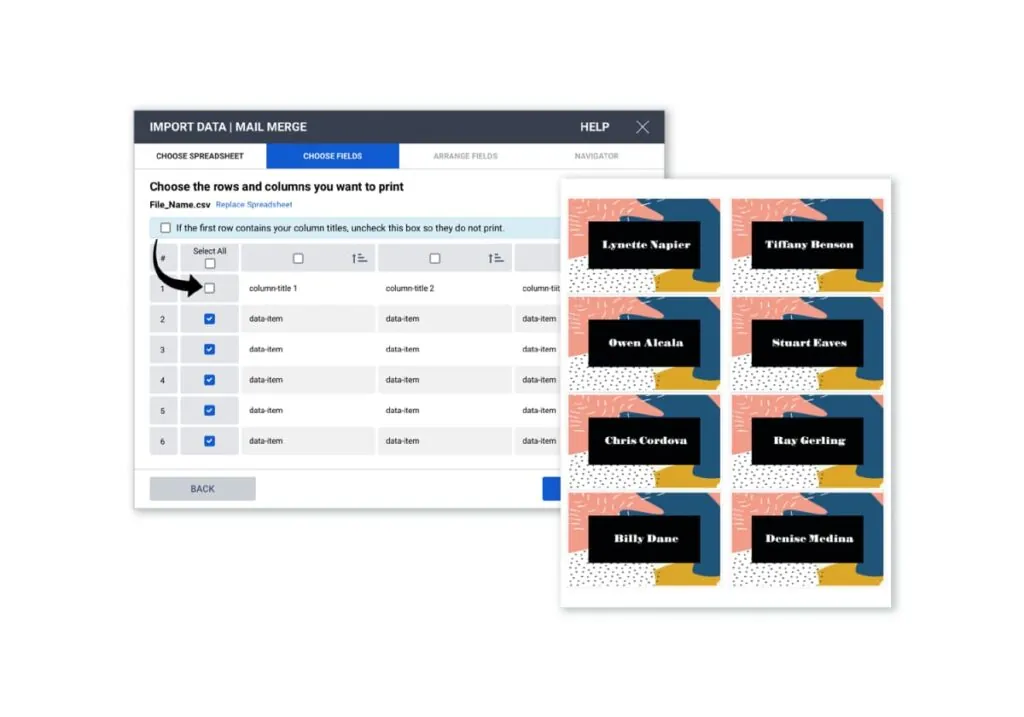
- Import addresses from a spreadsheet with mail merge; Avery’s mail merge guide covers the steps.
- Set scaling to 100% or Actual Size, never Fit to Page.
- Print one plain-paper test, hold it against a label sheet and check the feed direction.
- Load sheets flat and print the full batch.
Those steps follow Avery’s own label printing guide. Design & Print is free, and an account lets you save the project for next year’s cards.
Alternatives compared
| Option | Format | Best for | Trade-off |
|---|---|---|---|
| Avery 5160 | Blank sheets, laser | Large mailings on a laser printer | Laser only; big box |
| Avery 8160 | Blank sheets, inkjet | Home inkjet users and smaller jobs | Smaller pack; inkjet only |
| OnlineLabels OL875 | Blank sheets, same size, several materials | Buyers who want other finishes | 4.8/5 from 2,126 reviews; check each material’s printer rating |
| Avery custom printed labels | Printed and shipped by Avery | Logo or product labels in color | Costs more per label; wait for delivery |
| Thermal label printer | Rolls, no ink | Daily shipping labels | Upfront device cost; mostly one color |
For a once-a-year card run, an 8160 pack on a home inkjet is often enough. The 5160 makes sense once you print hundreds of labels on a laser printer.
Who should skip it
Skip the 5160 if you own only an inkjet printer; buy the 8160 instead. Skip blank sheets altogether if you ship parcels every day, where a thermal printer saves time. Anyone who needs to peel labels off later should pick a removable-adhesive label, as the 5160 adhesive is permanent.
Avery 5160 questions
Can I use Avery 5160 labels in an inkjet printer?
No. Avery says 5160 labels work only in laser printers. For inkjet printers, buy Avery 8160 labels, which use the same 1 x 2-5/8 inch size and the same template.
Why are my Avery 5160 labels printing out of line?
Most Avery 5160 misprints come from page scaling, the wrong template or loading direction. Set scaling to 100% or Actual Size, confirm template 5160 and print a plain-paper test first.
How many labels come in a box of Avery 5160?
A standard box of Avery 5160 labels holds 3,000 labels on 100 sheets, with 30 labels per sheet. The inkjet 8160 version comes in a smaller 750-label pack.
For custom printing, store ratings and returns, see the Avery brand overview.
Sources
- Avery 5160 and 8160 product pages and 5160 vs 8160 help article (read October 26, 2026)
- Avery label printing guide and mail merge guide
- Staples: 5160 ratings (read October 26, 2026)
- Canon community, AnandTech forums and TouchPoint Software: alignment reports and fixes
- OnlineLabels: OL875 ratings (read October 26, 2026)