Researched by
Based on an independent lab-style test, a security teardown, Magcubic product pages and owner reviews read on October 21, 2026; not a hands-on test by this site.
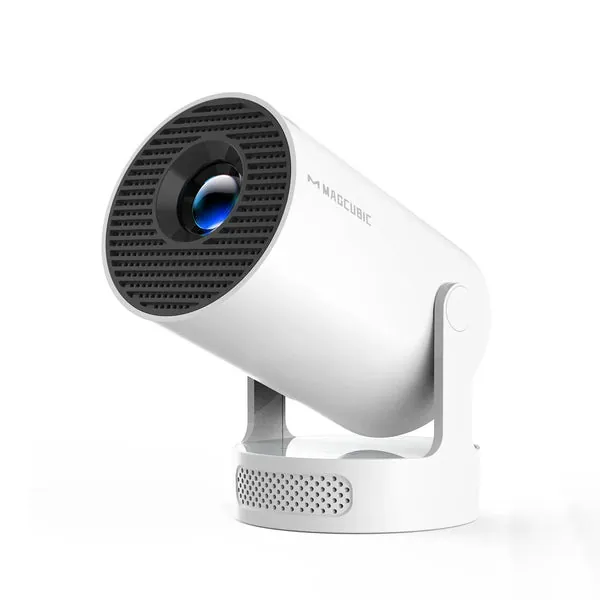
The Magcubic HY300 Pro+ is a palm-sized 720p projector with Android 14 built in, sold as a cheap way to throw a big picture on a bedroom wall. This Magcubic HY300 Pro+ review checks the brightness claim against a measurement and explains the 2026 firmware malware report. It fits dark-room viewing with a separate streaming stick; it is a poor pick for daytime use or for a network you care about.
Magcubic HY300 Pro review: the short version
Research score: 4.2 / 10
The HY300 Pro+ is small, cheap and easy to aim, and owners like it for kids’ rooms and ceilings. It loses points for brightness well below the claim, manual focus, unclear Netflix support and a firmware teardown that found malware.
Researched from public evidence, not hands-on testing. Store and service problems are rated separately as the store risk. How scores work
Claimed vs measured
| Magcubic claim | Independent result | |
|---|---|---|
| Brightness | 290 ANSI lumens | 165 ANSI lumens (smartzone.de, HY300 Pro, January 2026) |
| Fan noise | Under 25 dB | 44 dB(A) measured |
| Resolution | “4K” support | 1280 x 720 native; 4K is input only |
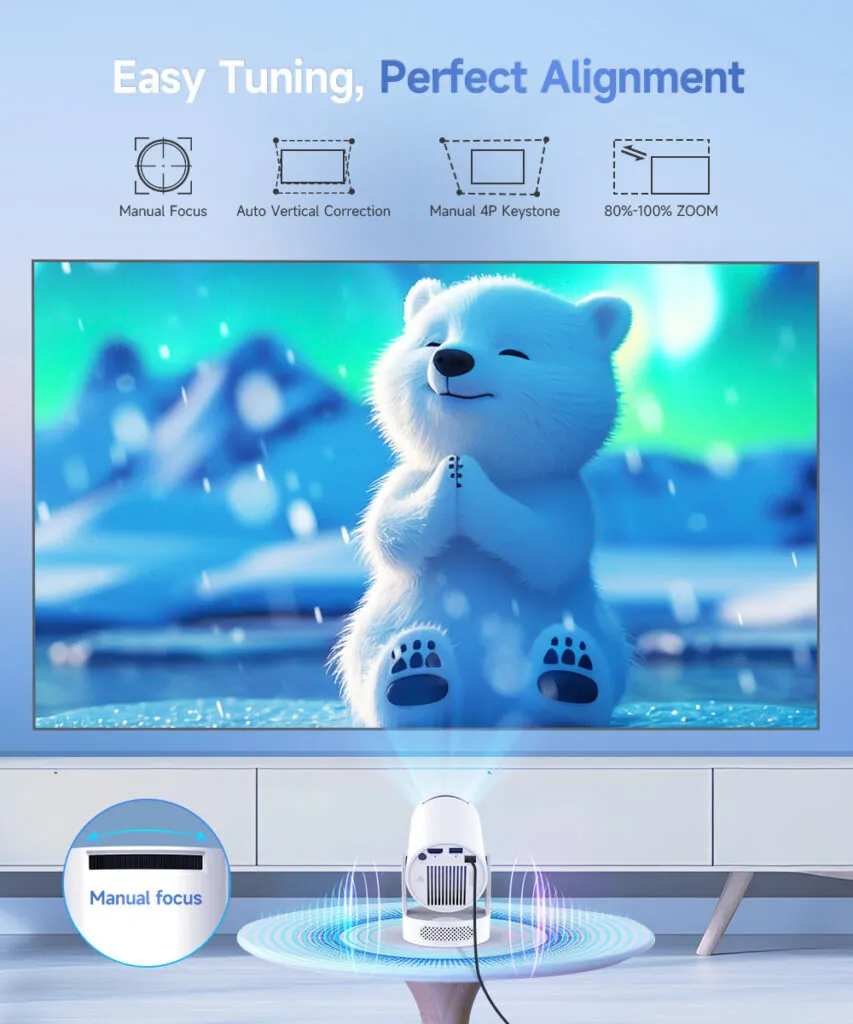
| Focus | Listed with auto keystone | Manual focus; auto keystone off by default |
| Streaming | Android 14 apps | Streams played at 720p; YouTube had bugs |
Smartzone measured about 220 lumens in the center and 110 at the edges, so corners look dimmer than the middle. In practice that means a 60 to 80 inch picture in a dark room. Tester Torsten S. called it acceptable for occasional use and noticed no input lag, which helps for casual gaming.
One caveat: smartzone’s unit ran Android 11, while the current HY300 Pro+ lists Android 14 and a newer chip. No one has measured the current version yet, and Magcubic’s own pages list both 200 and 290 lumens for HY300 variants.
The malware report, in plain terms
In February 2026, developer Zane St. John took apart the firmware of an HY300 Pro+ (his write-up). He found preinstalled system apps that:
- downloaded and ran extra code with system rights;
- signed the projector up to a residential proxy network, letting strangers route traffic through your home connection;
- injected ads and switched off Google Play Protect;
- came back after a factory reset.
Azerbaijan’s national CERT warned buyers in May 2026. Later reports say Magcubic fixed the firmware or changed the chip, but we found no official statement or independent retest, and deal-site commenters still advise keeping it offline.
How to use it more safely
- Leave Wi-Fi off and plug a certified streaming stick into the HDMI port.
- If it must go online, put it on a guest network with no access to your other devices.
- Skip signing in to Google or streaming accounts on the projector itself.
Who should skip it
Skip the HY300 Pro+ if you watch in daylight, need a sharp 1080p image for text or sports, or want Netflix built in. Magcubic’s HY310 and HY350MAX are native 1080p, though their brightness has not been measured either; see the Magcubic brand overview.
Owner feedback is better than the test results suggest: the HY300Pro listing on Walmart averages 4.2 out of 5 from 235 ratings, with 12% one-star reviews (read October 21, 2026). Most praise the size and the stand; complaints cover dim images and remotes.
Magcubic HY300 Pro+ questions
Does the Magcubic HY300 Pro+ show true 4K?
No. The Magcubic HY300 Pro+ has a native 1280 x 720 panel. It accepts a 4K signal and scales it down, so the picture you see is 720p.
Is the Magcubic HY300 Pro+ safe to connect to Wi-Fi?
A February 2026 teardown found malware in HY300 Pro+ firmware, and no independent retest has confirmed a fix. Keep the Magcubic HY300 Pro+ offline or on a guest network, and stream from a separate stick.
Can the Magcubic HY300 Pro+ play Netflix?
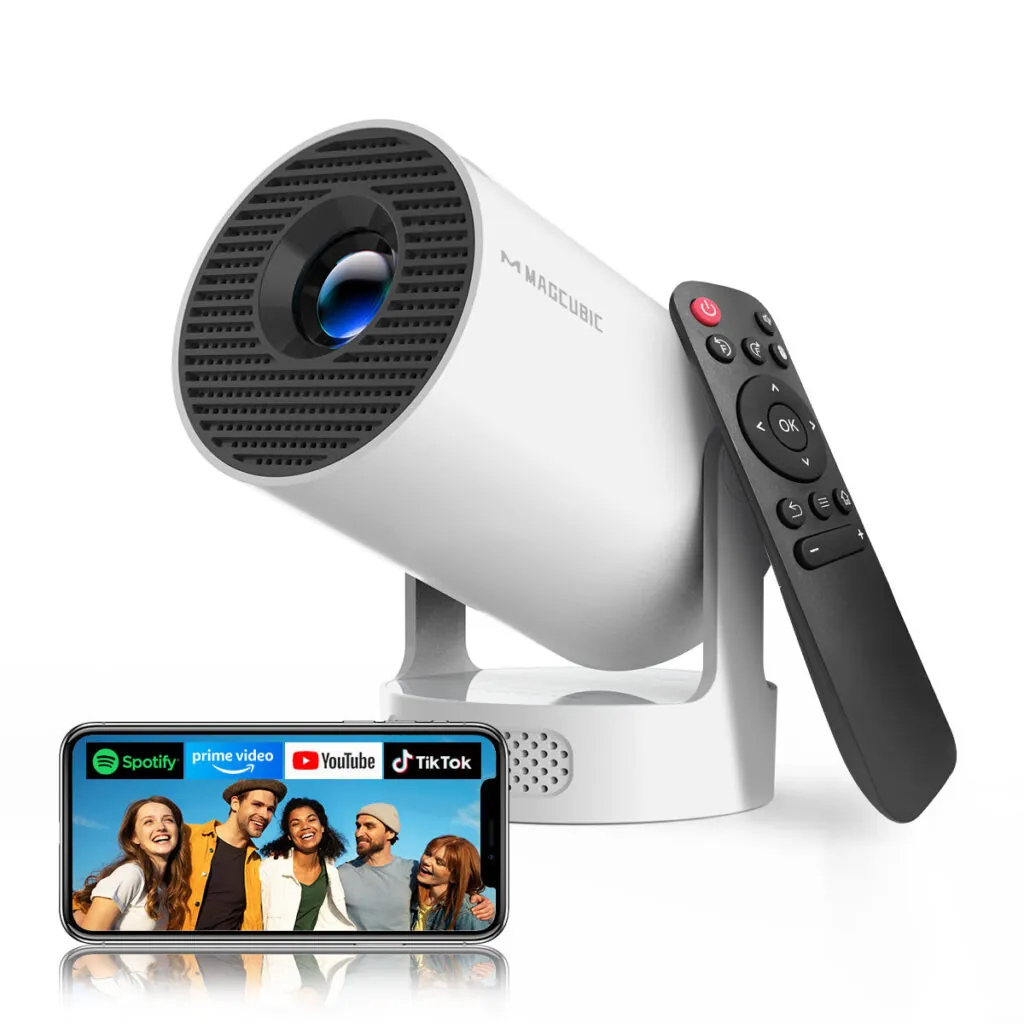
Magcubic does not list Netflix certification for the HY300 Pro+, and its app graphic leaves Netflix out. Plug in a Fire TV, Roku or Chromecast stick to watch Netflix in full quality.
Sources
- smartzone.de: Magcubic HY300 Pro test (January 20, 2026)
- Zane St. John: HY300 Pro+ firmware teardown (February 5, 2026)
- CERT.gov.az: projector malware warning (May 25, 2026)
- Walmart: HY300Pro ratings (read October 21, 2026)
- Magcubic HY300 Pro+ product page (read October 21, 2026)