Researched by
Based on Phomemo product and policy pages, Wirecutter testing, store ratings and owner videos read on November 14, 2026; not a hands-on test by this site.
The Phomemo M110 is a pocket-size Bluetooth label printer that prints black text, logos and barcodes on thermal label rolls without ink. Small sellers use it for product, price and jar labels. This Phomemo M110 review weighs its specs against independent print tests, the app’s paid plan and two rivals.
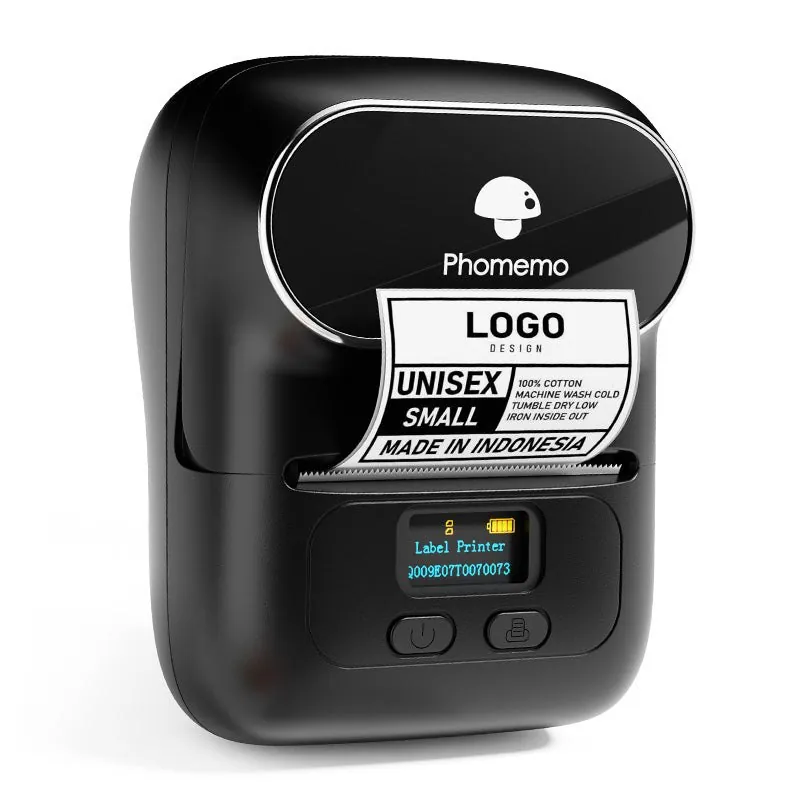
Phomemo M110 review: the score
Research score: 5.5 / 10 (provisional)
The M110 prints 20 to 50 mm labels at 203 dpi with no ink, charges over USB-C and works from a phone or a computer. It loses points because Wirecutter found its labels streaky and faded, and many app fonts and templates sit behind a Print Master Pro subscription.
Researched from public evidence, not hands-on testing. Store and service problems are rated separately as the store risk. How scores work
Specs from Phomemo
| Spec | Phomemo M110 (brand figures) |
|---|---|
| Print method | Direct thermal, black on thermal labels; no ink or ribbon |
| Resolution | 203 dpi |
| Label width | 20 to 50 mm (about 0.8 to 2 inches) |
| Speed | 30 mm per second |
| Battery | 1,200 mAh, 3 to 4 hours of use, USB-C charging |
| Size and weight | 114 x 87 x 62 mm; 222.8 g (about 7.9 oz) |
| Connection | Bluetooth to the Print Master app (iOS, Android); USB to a computer |
| Warranty | 1 year |
One block lower on the M110 product page borrows copy from the M832D and mentions 300 dpi. The spec table on the same page lists 203 dpi, which matches the M110 listings elsewhere.
Print quality in independent testing
Wirecutter tested 27 label makers for its guide, updated November 2, 2026. It wrote that the M110 app gives lots of creative freedom, but the printer makes streaky, faded labels. Labels from the M110 and similar Bluetooth printers all but disappeared after Wirecutter’s dishwasher test.
That matters for kitchen jars, freezer bags and anything that gets wiped. For shelf tags, mailers and gift labels that stay dry, owner videos show readable text and barcodes.
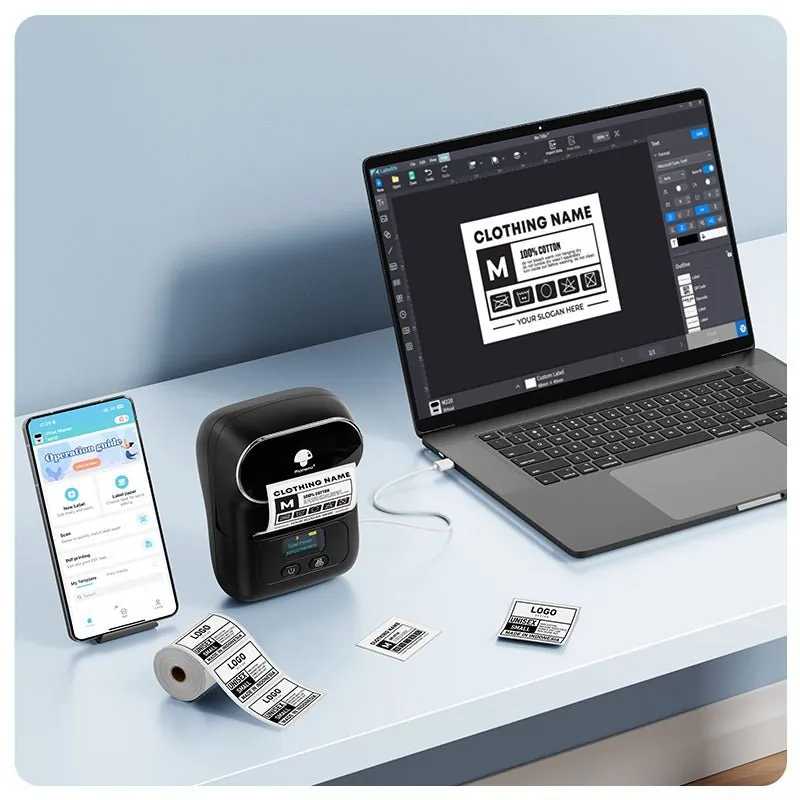
The Print Master app and its paid plan
The M110 relies on the Print Master app for design. Phomemo’s subscription page lists a free tier with photo and basic text printing, 10,000+ materials and 100+ fonts. The Pro tier unlocks 30,000+ materials, 300+ fonts, picture templates and AI tools for a monthly or yearly fee.
On Trustpilot, Trustpilot’s summary of recent reviews notes strong dissatisfaction with the subscription model. Reviewers say the app keeps prompting them to subscribe. Plain text labels stay free, so the plan matters most to buyers who want decorative fonts and graphics.
How it compares
| Option | Labels | Independent result | Best for |
|---|---|---|---|
| Phomemo M110 | Thermal, die-cut, 20 to 50 mm | Wirecutter: streaky, faded labels | Product and price labels printed from a phone |
| Brother P-touch PT-P300BT Cube | Laminated TZe tape | Wirecutter: on-the-go pick; Brother labels survived the dishwasher | Durable home and pantry labels |
| Niimbot B21 | Thermal, die-cut | Wirecutter: good print quality, weak adhesive on textured surfaces | Crafters who want a cheaper thermal printer |
The Brother Cube uses laminated tape, so its labels resist water and heat better than any thermal label. The M110 prints wider labels with barcodes and logos, which suits retail tags.
Decision factors
- Where the label lives. Thermal labels fade with heat, water and time; pick laminated tape for kitchens and outdoor use.
- Label size. The M110 tops out at 50 mm wide; Phomemo sells the M220 for wider labels.
- App budget. Decide whether the free font and template set is enough before you buy.
- Computer printing. USB printing works from a computer; Phomemo told one reviewer it does not support Linux.
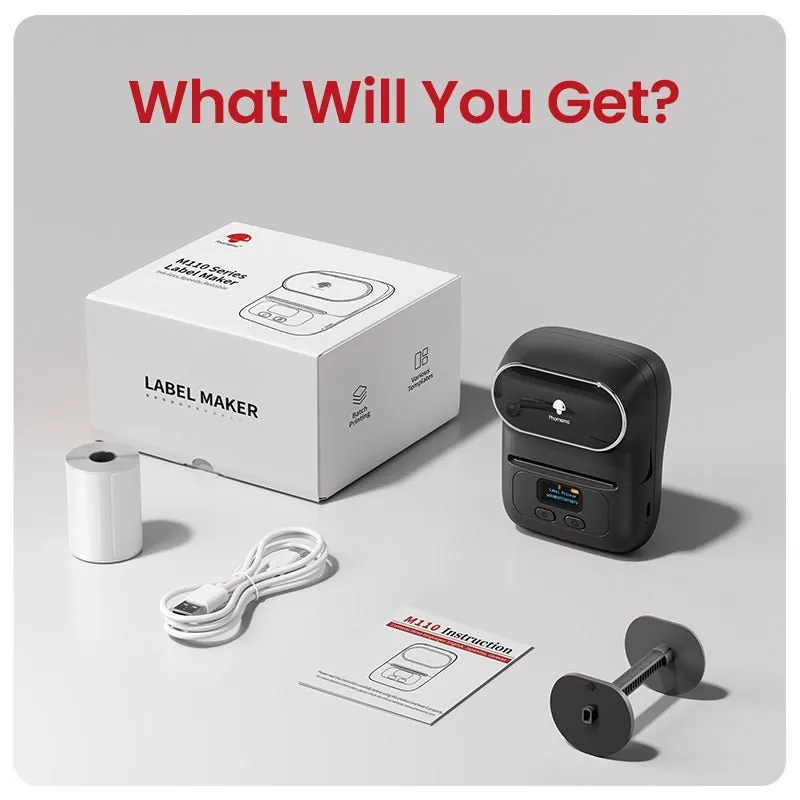
- Consumables. Phomemo sells many M110 roll sizes, colors and clear labels; labels cannot be returned once opened.
Who should skip it
Skip the M110 if your labels must survive a dishwasher, a freezer or sunlight, since Wirecutter saw its prints fade. Skip it too if you dislike subscription prompts in an app you need for every label.
For returns, shipping times and store ratings across the range, see the Phomemo brand review.
Phomemo M110 FAQ
Does the Phomemo M110 need ink?
No. The Phomemo M110 is a direct thermal printer, so heat darkens special label paper and no ink or ribbon is needed. You do need Phomemo-compatible thermal label rolls between 20 and 50 mm wide.
Do you need a subscription to use the Phomemo M110?
Not for basic labels. Phomemo says the free Print Master tier covers photo and basic text printing with 100+ fonts. The paid Pro tier unlocks 300+ fonts, 30,000+ materials and picture templates for the M110.
Can the Phomemo M110 print from a computer?
Yes. Phomemo says the M110 connects to a computer by USB as well as to iOS and Android phones over Bluetooth. Phomemo told one reviewer that it does not provide Linux support for its printers.
Are Phomemo M110 labels waterproof?
Phomemo calls its M110 labels waterproof, but Wirecutter found M110 labels streaky and faded, and they nearly disappeared after a dishwasher test. Brother laminated tape held up better in the same test.
Sources
- Phomemo M110 product page, Print Master subscription page and returns and warranty policy (read November 14, 2026)
- Wirecutter: the best label makers (updated November 2, 2026)
- Trustpilot: Phomemo reviews (read November 14, 2026)
- Terence Eden: review of a Phomemo mini Bluetooth printer (June 2020)
Prices and offers change often, so check the brand’s site for current details.